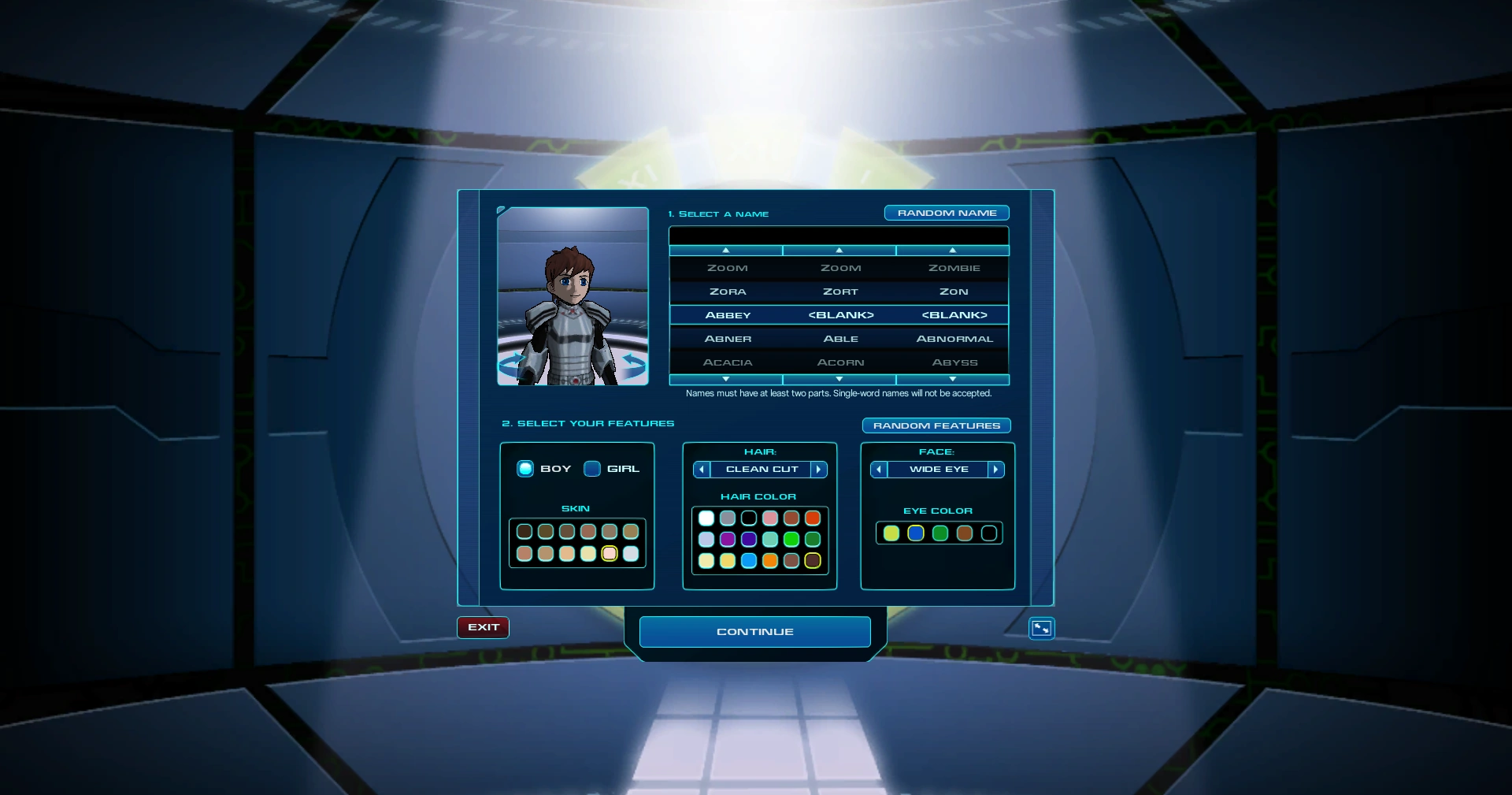
The Character Creator following introduction of the Academy, from OpenFusion.
Character Creation[1] is a game mechanic that appears in Cartoon Network Universe: FusionFall. It is the customization menu for the Avatar that the player goes through when beginning a new playthrough.
Gameplay
In gameplay, whenever they create a new Avatar for a playthrough of Cartoon Network Universe: FusionFall, the player must go through the Character Creation first. The Character Creation is used to customize both the name and physical appearance of the Avatar; once those have been selected, the player begins the game. Barring items, which can be swapped out, the choices made for the Avatar's look in Character Creation are permanent and cannot be changed once a playthrough begins.
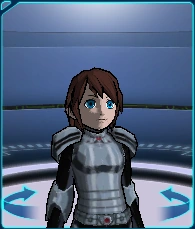
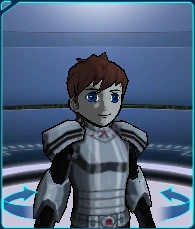
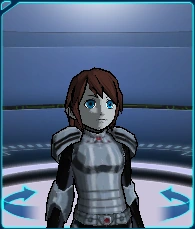
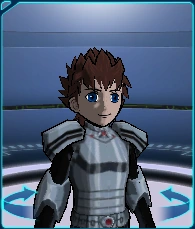
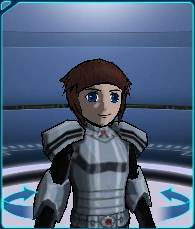
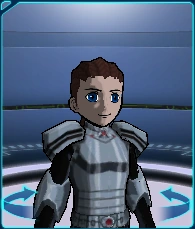
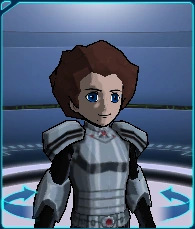
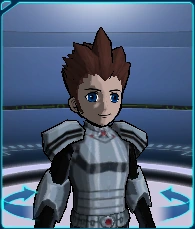
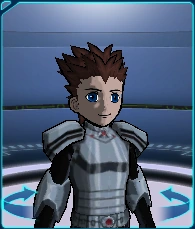
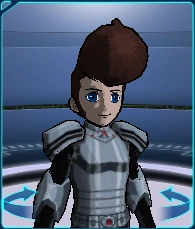
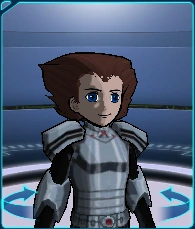
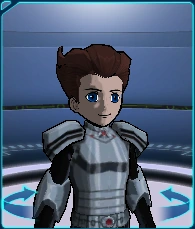
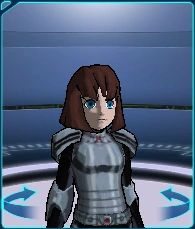
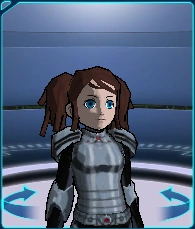
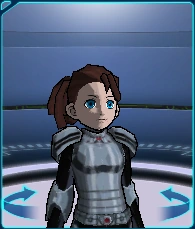
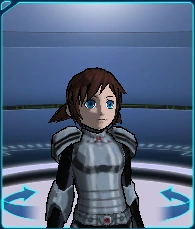
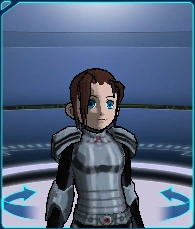
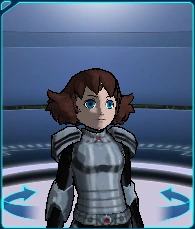
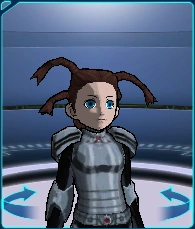
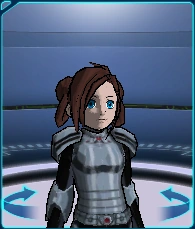
Character Creation allows the player to choose their Avatar's in-game name, gender, face, hair style and the color of their hair, skin, and eyes. The player can also customize the Avatar's appearance with random selections with the "RANDOM FEATURES" button on the menu. As for items, the Avatar is equipped with the Academy Training Armor, Academy Training Legs, and Academy Training Boots by default when beginning a playthrough. On Character Creation, the player is also given a rotatable profile preview of their Avatar that is updated as any physical changes are made.
Regarding their Avatar's name, the player can compose one from pre-existing words provided by the game. Avatar names are broken into three parts so that the player can more easily distinguish themselves, although only two choices are needed; single-part names are prohibited. Each part is chosen from a set selection of names that can be scrolled through from their respective lists on the name creation tool. To scroll through the lists, click and hold their respective arrows. Alternatively, there is the "RANDOM NAME" button on said menu that makes the game generate a name at random from the three different lists.
Originally, the player had the option to make a custom name, which had to be reviewed by a moderator before being displayed. In addition, the Avatar possessed adjustable dimensions for their height and weight, along with some clothing options from the "Basic" grade to choose from. All those options were removed by the time the Academy was introduced.
History
Cartoon Network Universe: FusionFall
Before the Invasion
Before the Fusion Invasion, when the Avatar took part in Dexter's time-travel experiment, Character Creation was used by the former when they imputed their profile into the system for their bio-scan.[2]
Fusion Invasion
The Past
In the Past, Character Creation was used by the recruits for their registration into the Academy. That information was then used for making their ID Badges.[3]
List of customization options
Current options
Name Creation
Name Creation[1] is where the player chooses a name for their Avatar. Such a name is broken into three parts, each containing a pre-selection of different words, to ensure that everyone will have a unique name:
1st Part
|
2nd Part
|
3rd Part
|
Character Builder
Gender
On Character Creation, the player can choose the gender form their Avatar. They can choose between either "Boy" or "Girl":
| Gender | Image |
|---|---|
| Boy | 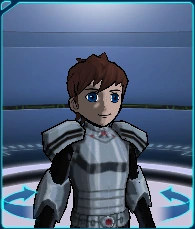 |
| Girl | 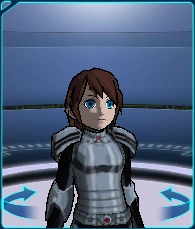 |
Skin
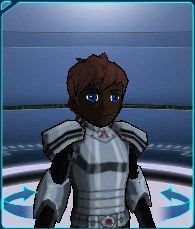
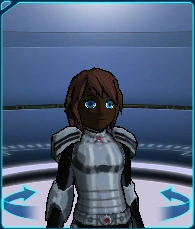
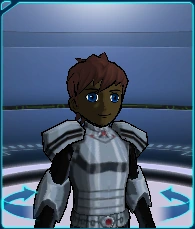
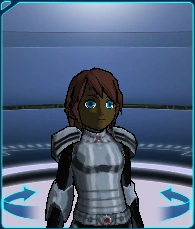
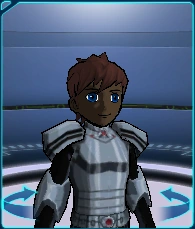
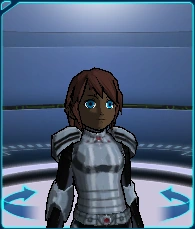
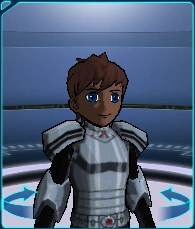
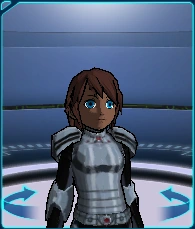
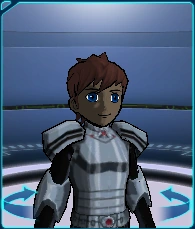
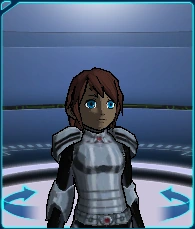
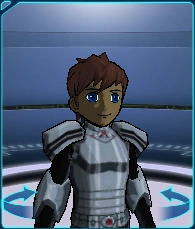
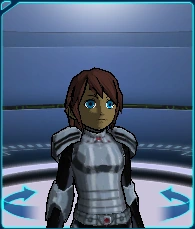
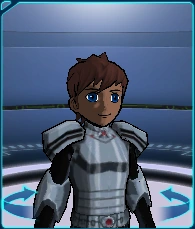
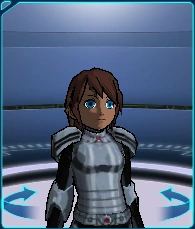
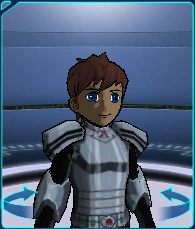
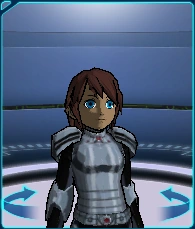
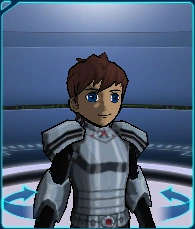
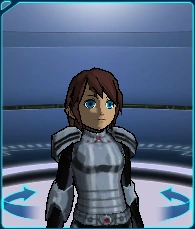
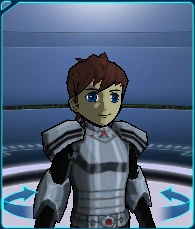
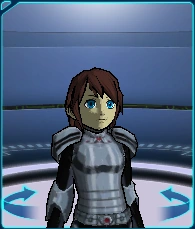
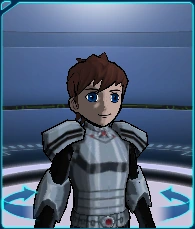
Skin is the option on Character Creation for choosing the skin color of the Avatar. The player has twelve different shades to choose from:
| Skin color | Image | |
|---|---|---|
| Boy | Girl | |
 |
 |
 |
 |
 |
 |
 |
 |
 |
 |
 |
 |
 |
 |
 |
 |
 |
 |
 |
 |
 |
 |
 |
 |
 |
 |
 |
 |
 |
 |
 |
 |
 |
 |
 |
 |
Hair
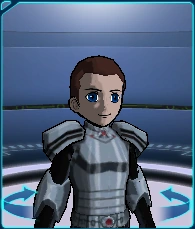
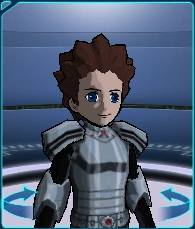
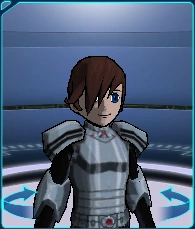
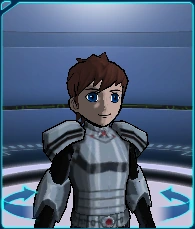
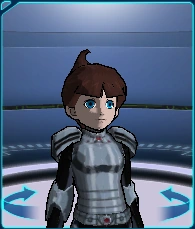
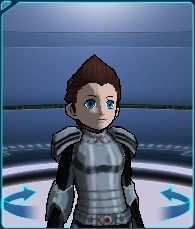
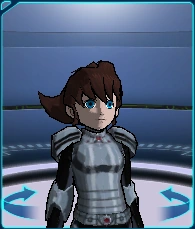
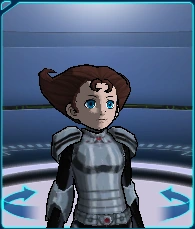
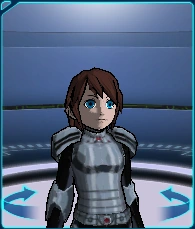
Hair is the option on Character Creation for choosing the hair style of the Avatar. The player has twenty-one hair styles for both the boy and girl Avatar to choose from:
Boy
|
Girl
|
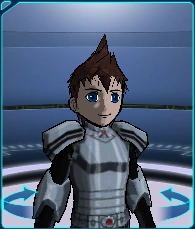
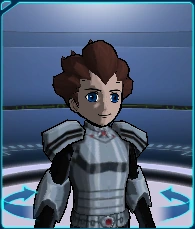
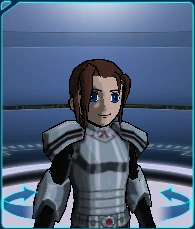
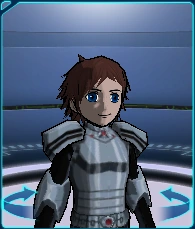
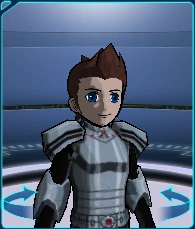
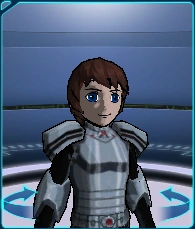
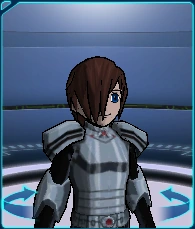
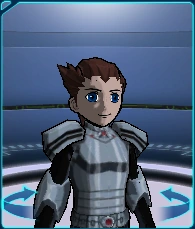
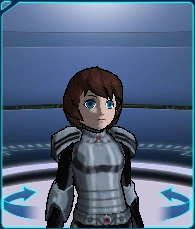
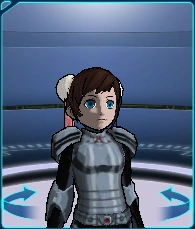
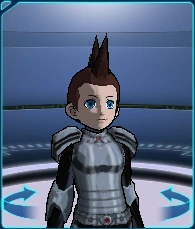
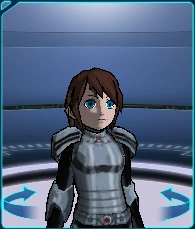
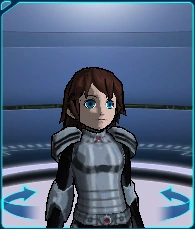
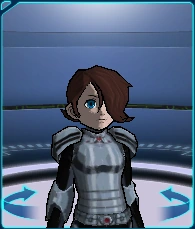
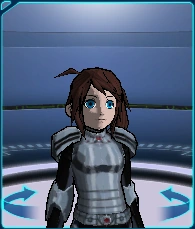
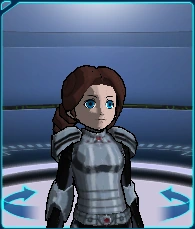
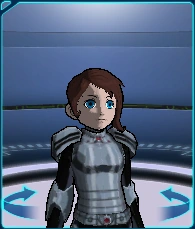
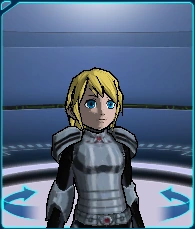
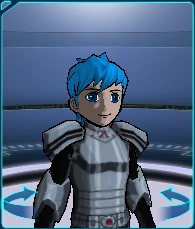
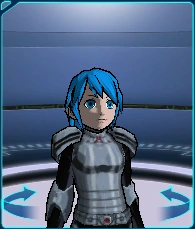
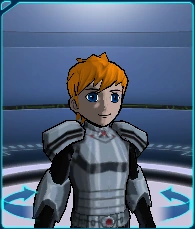
Hair Color
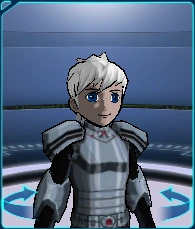
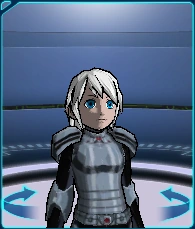
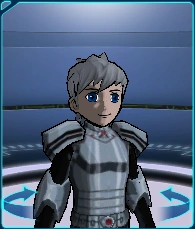
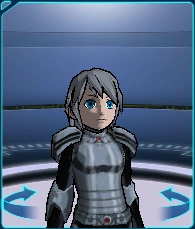
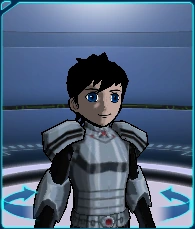
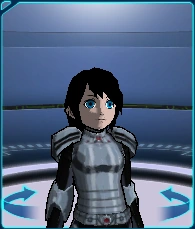
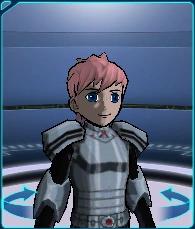
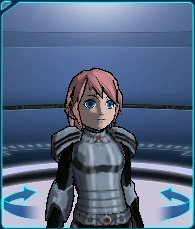
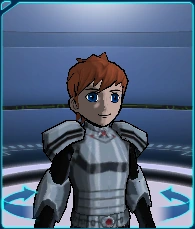
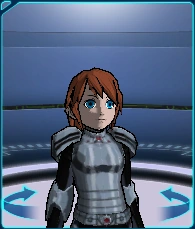
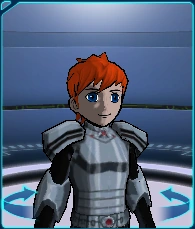
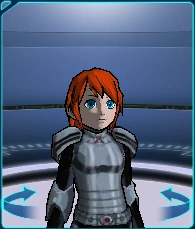
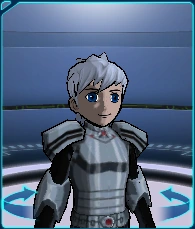
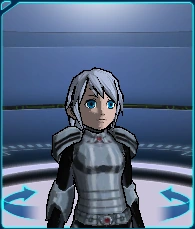
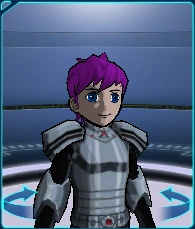
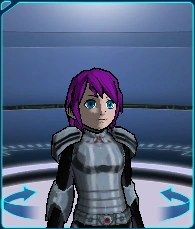
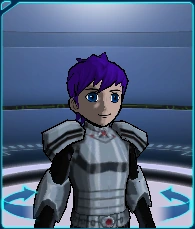
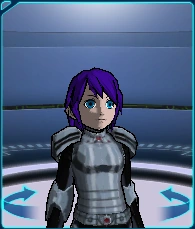
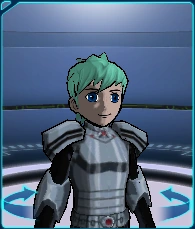
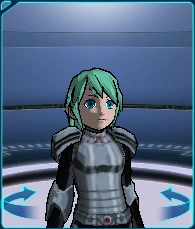
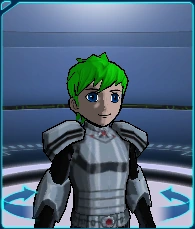
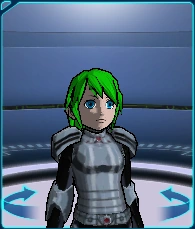
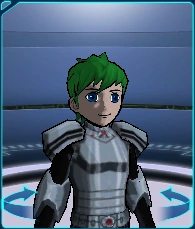
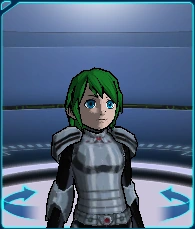
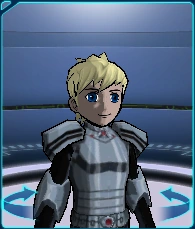
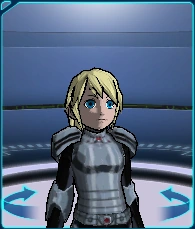
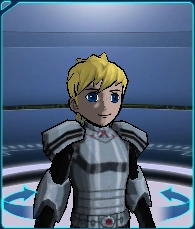
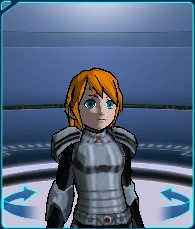
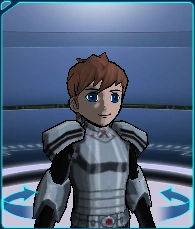
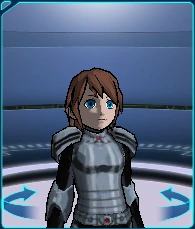
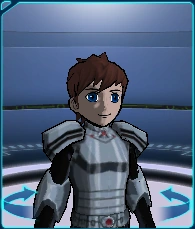
Hair Color is the option on Character Creation for choosing the hair color of the Avatar. The player has eighteen different colors to choose from:
| Hair color | Image | |
|---|---|---|
| Boy | Girl | |
 |
 |
 |
 |
 |
 |
 |
 |
 |
 |
 |
 |
 |
 |
 |
 |
 |
 |
 |
 |
 |
 |
 |
 |
 |
 |
 |
 |
 |
 |
 |
 |
 |
 |
 |
 |
 |
 |
 |
 |
 |
 |
 |
 |
 |
 |
 |
 |
 |
 |
 |
 |
 |
 |
Face
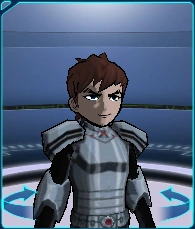
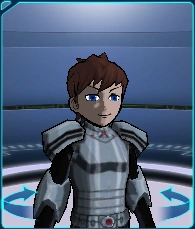
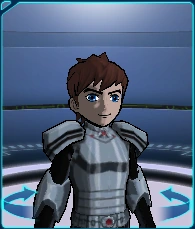
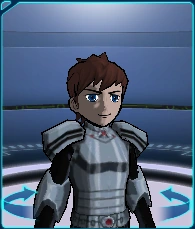
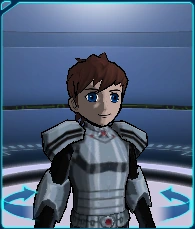
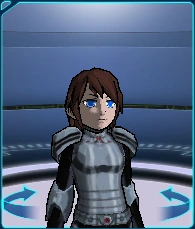
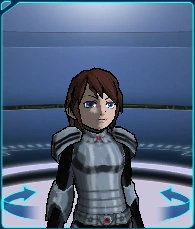
Face is the option on Character Creation for choosing the expression of the Avatar. The player has five expressions for both the boy and girl Avatar to choose from:
Boy
|
Girl
|
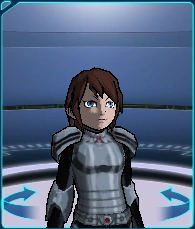
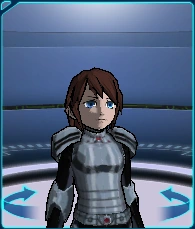
Eye Color
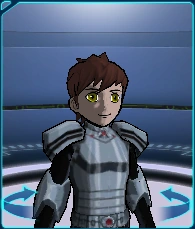
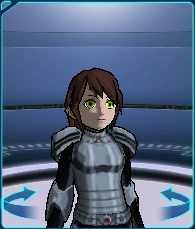
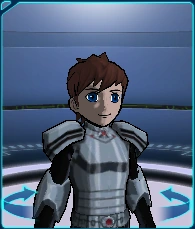
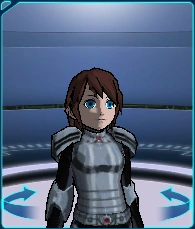
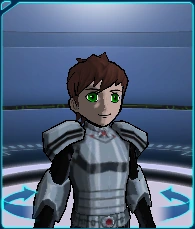
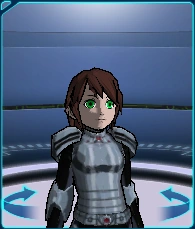
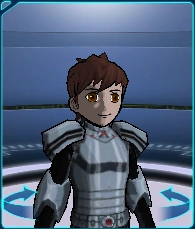
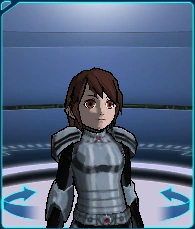
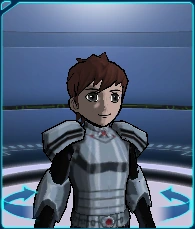
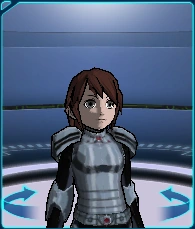
Eye Color is the option on Character Creation for choosing the eye color of the Avatar. The player has five colors for both the boy and girl Avatar to choose from:
| Eye color | Image | |
|---|---|---|
| Boy | Girl | |
 |
 |
 |
 |
 |
 |
 |
 |
 |
 |
 |
 |
 |
 |
 |
Former options
Character Builder
Height and weight
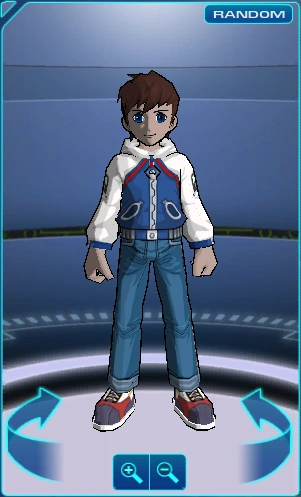
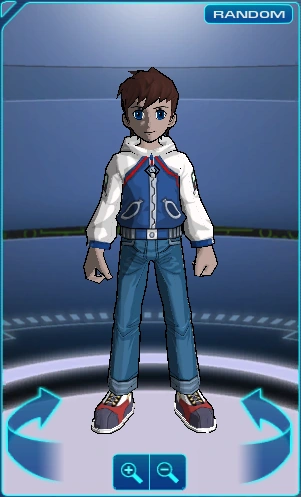
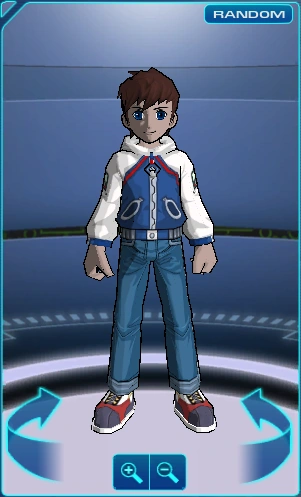
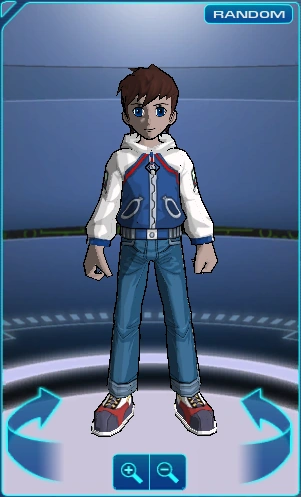
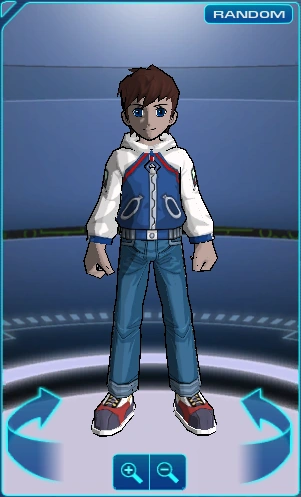
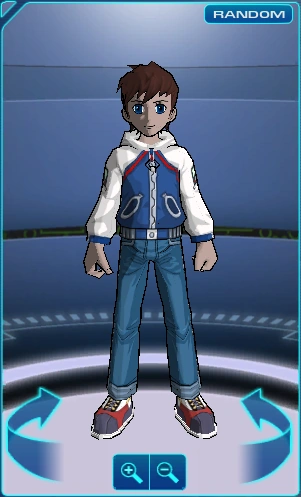
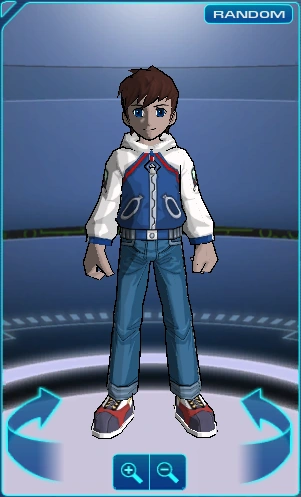
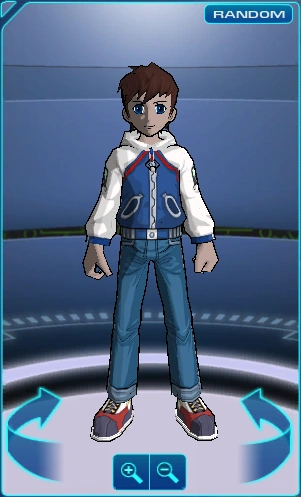
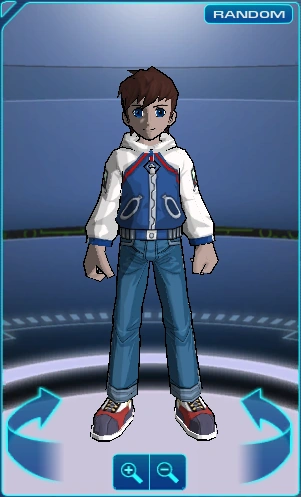
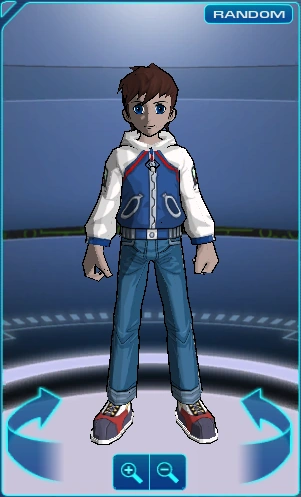
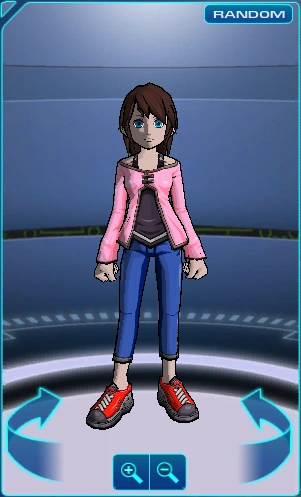
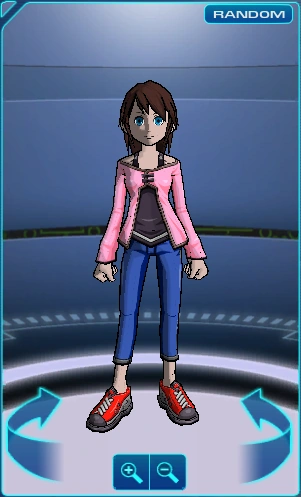
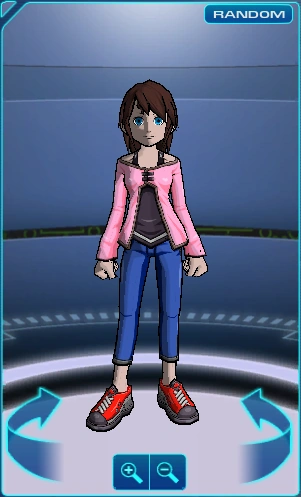
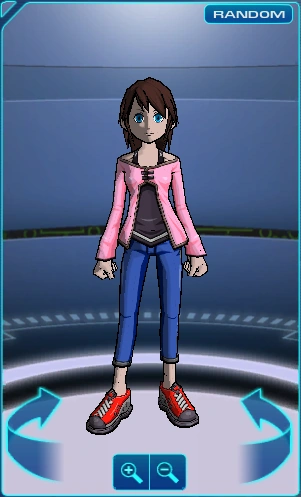
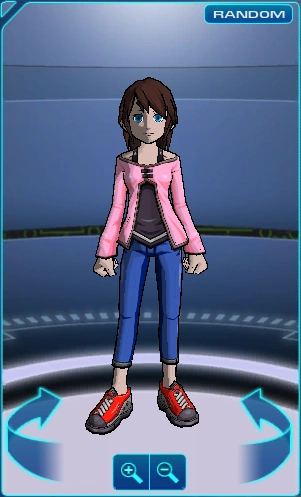
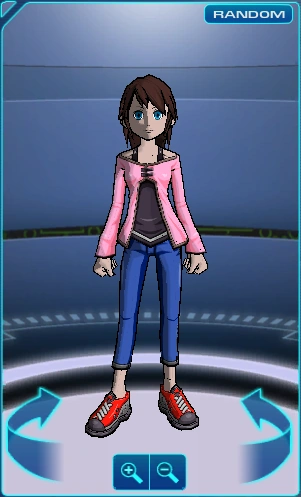
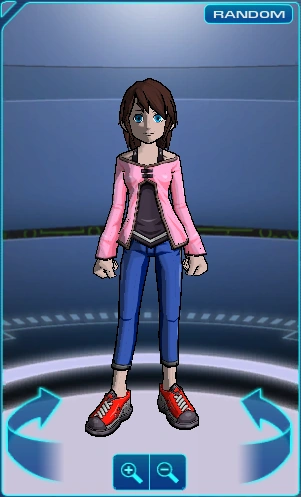
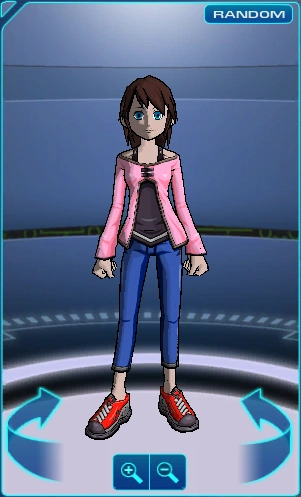
Originally, the player could choose the height and weight for their Avatar. Height had the options "Shortest", "Short", "Medium", "Tall", and "Tallest", while weight had the options "Heavy", "Medium", and "Light". Both were removed following the game update on 16 February 2011:
Boy
| x | Heavy | Medium | Light |
|---|---|---|---|
| Shortest | 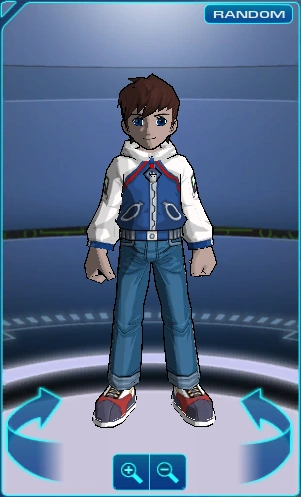 |
 |
 |
| Short | 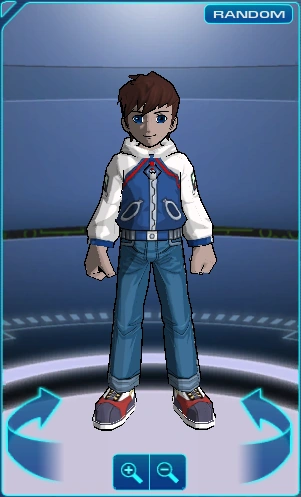 |
 |
 |
| Medium | 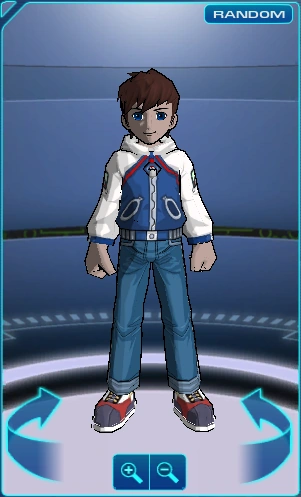 |
 |
 |
| Tall | 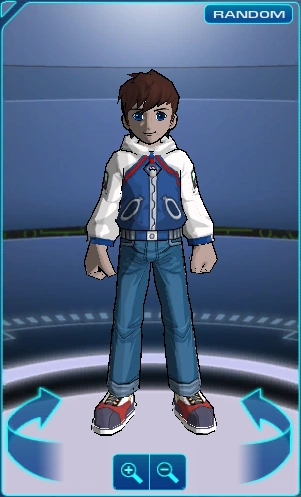 |
 |
 |
| Tallest | 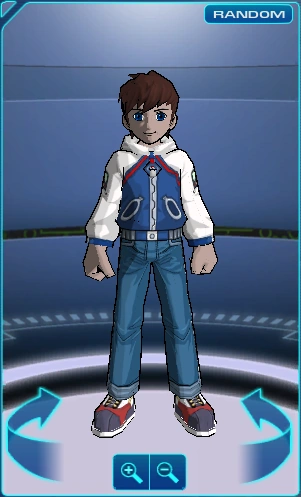 |
 |
 |
Girl
| x | Heavy | Medium | Light |
|---|---|---|---|
| Shortest | 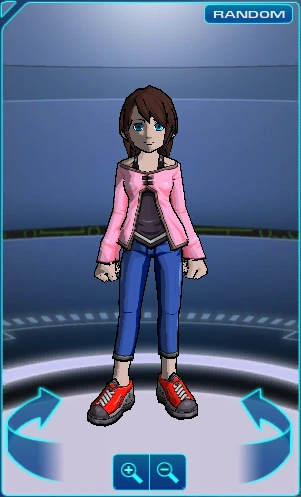 |
 |
 |
| Short | 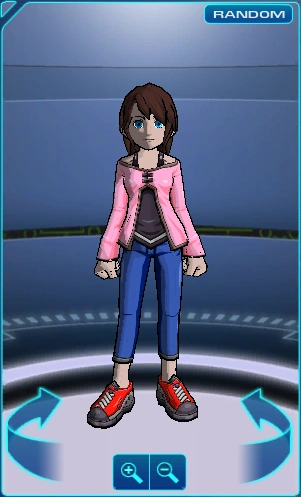 |
 |
 |
| Medium | 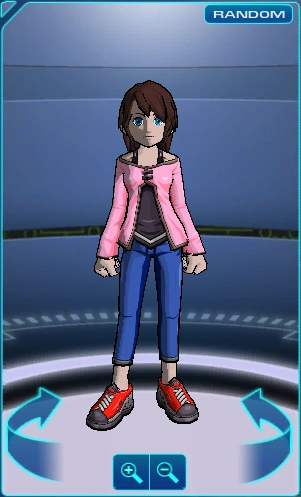 |
 |
 |
| Tall | 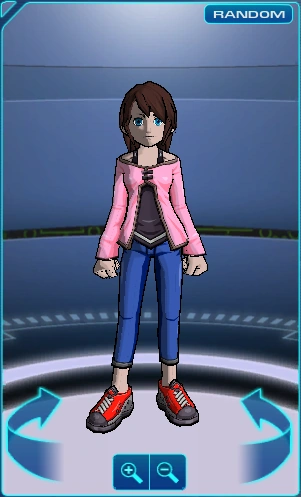 |
 |
 |
| Tallest | 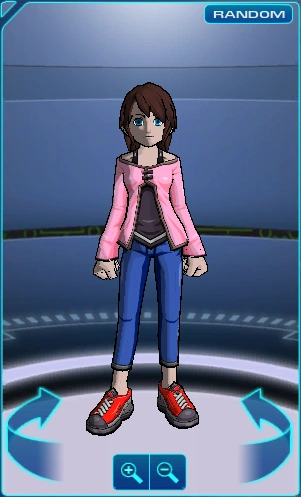 |
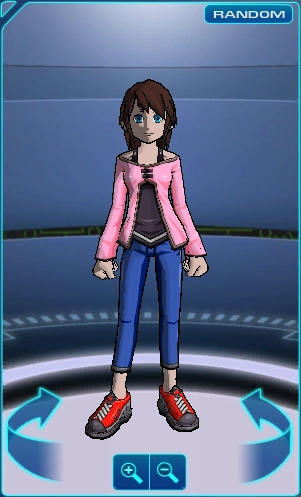 |
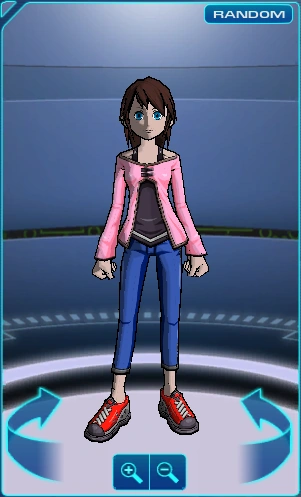 |
Clothes
Clothes was the option on Character Creation for choosing the body, legs, and shoes of the "Basic" grade that the Avatar would wear at the beginning of the game. This option was removed following the game update on 16 February 2011:


Patch Notes
The following list contains the Patch Notes pertaining to Character Creation in Cartoon Network Universe: FusionFall:
- 01.09.2009:
- 01.29.2009: A number of issues with various graphics during Name Creation and Character Builder were corrected.[5]
- 02.25.2009: More names were added to the Random Name Generator.[6]
- 05.20.2009: The naming wheel was corrected after it was discovered that it was in violation of the Code of Conduct.[7]
- 06.03.2009: A messaging to the Name Creator that lets players know there is a character limit to Avatar names were added.[8]
- 01.20.2010:
- 02.09.2010: More names were added to the naming wheel.[10]
- 02.16.2011:[11]
- The Name Creation and Character Builder menus were merged.
- The body proportion options were removed from Character Creation.
- The preview profile of the Avatar was edited to only showcase their upper profile instead of a full-body profile.
- The preview profile of the Avatar had its zoom functions removed.
See also
References
- ↑ 1.0 1.1 Cartoon Network . Game Guide (English) (PDF) p. 5. Cartoon Network. Archived from the original on 20 October 2012.
- ↑ Grigon Entertainment (14 January 2009). Cartoon Network Universe: FusionFall (PC). Cartoon Network. Area/level: Opening sequence. "Dexter: Thank you for volunteering for this important time travel experiment. I'm going to need you to input your profile into the system before we begin. Stand by and I'll bring it up on your monitor."
- ↑ Cartoon Network Universe: FusionFall. Training Guide : Character Creation. Cartoon Network. Archived from the original on 7 July 2012. "Registration at The Academy is the first step towards becoming a hero. Don't worry, this is the easy part. Register your name and choose how you will look for your ID Badge and you are on your way."
- ↑ 4.0 4.1 Dancingzombie (13 January 2009). Latest Patch Notes!. Cartoon Network Universe: FusionFall : Forums. Cartoon Network. Archived from the original on 20 January 2009.
- ↑ Dancingzombie (28 January 2009). Patch Notes 1.29.09. Cartoon Network Universe: FusionFall : Forums. Cartoon Network. Archived from the original on 1 May 2009.
- ↑ Dancingzombie (19 February 2009). Patch Notes 2.25.09. Cartoon Network Universe: FusionFall : Forums. Cartoon Network. Archived from the original on 1 May 2009.
- ↑ Dancingzombie (19 May 2009). Patch Notes 05.20.2009. Cartoon Network Universe: FusionFall : Forums. Cartoon Network. Archived from the original on 24 July 2009.
- ↑ Dancingzombie (2 June 2009). Patch Notes 6.3.09. Cartoon Network Universe: FusionFall : Forums. Cartoon Network. Archived from the original on 23 June 2009.
- ↑ 9.0 9.1 Dancingzombie (20 January 2010). Latest Patch Notes!. Cartoon Network Universe: FusionFall : Forums. Cartoon Network. Archived from the original on 29 March 2010.
- ↑ Dancingzombie (9 February 2010). Patch Notes 2.9.10!. Cartoon Network Universe: FusionFall : Forums. Cartoon Network. Archived from the original on 28 March 2010.
- ↑ Patch Notes: 2/16/2011 (PDF). Cartoon Network Universe: FusionFall : Community/News. Cartoon Network (16 February 2011). Archived from the original on 20 April 2011.